Recommended softphone
You get the username, password and server by email when the account opens. Type them once into any of the apps below and the phone is ready for use.
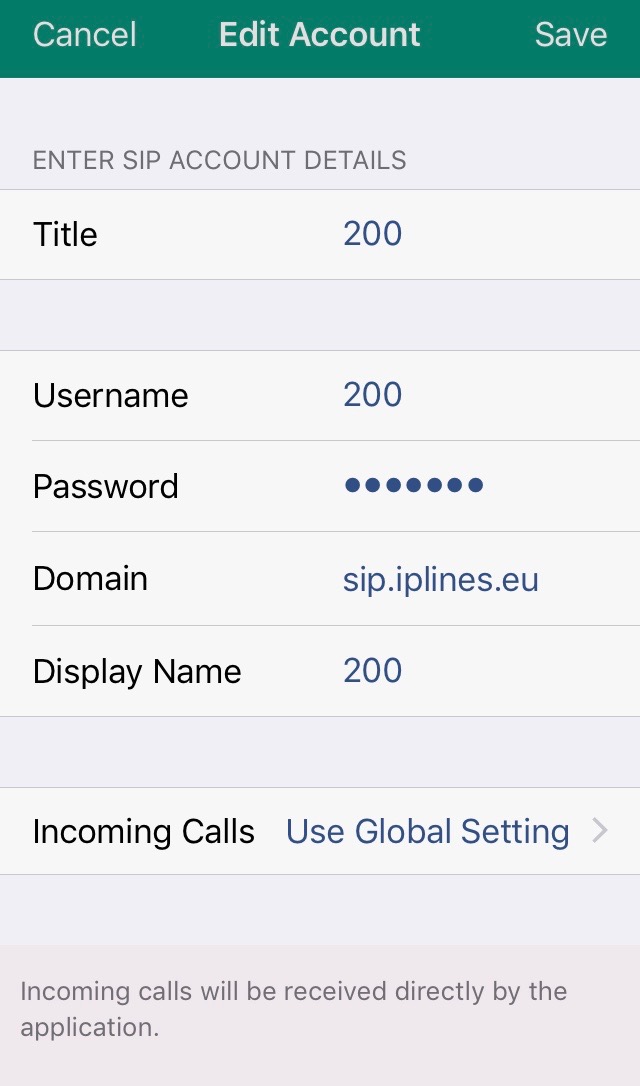
iPhone and Android
| Field | Example |
|---|---|
| Title | 200 |
| Username | 200 |
| Password | ********* |
| Domain | sip.iplines.eu:5060 |
| Display name | 200 |
The softphone is then ready for use.
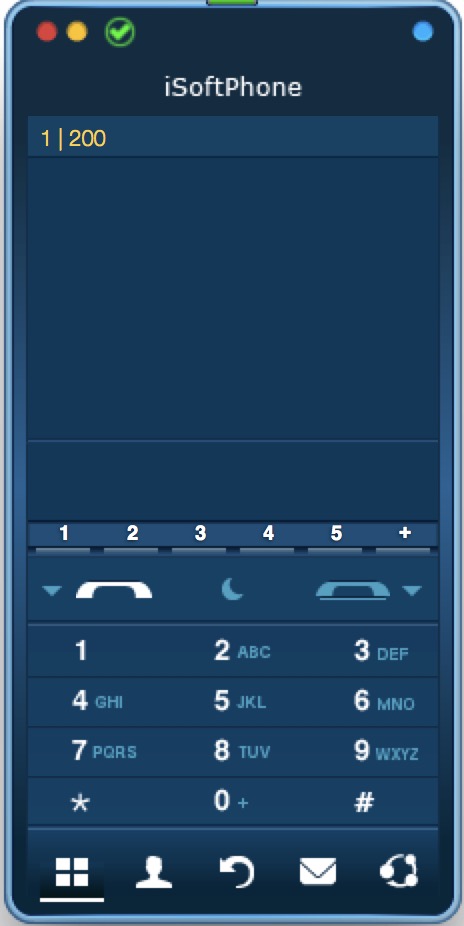
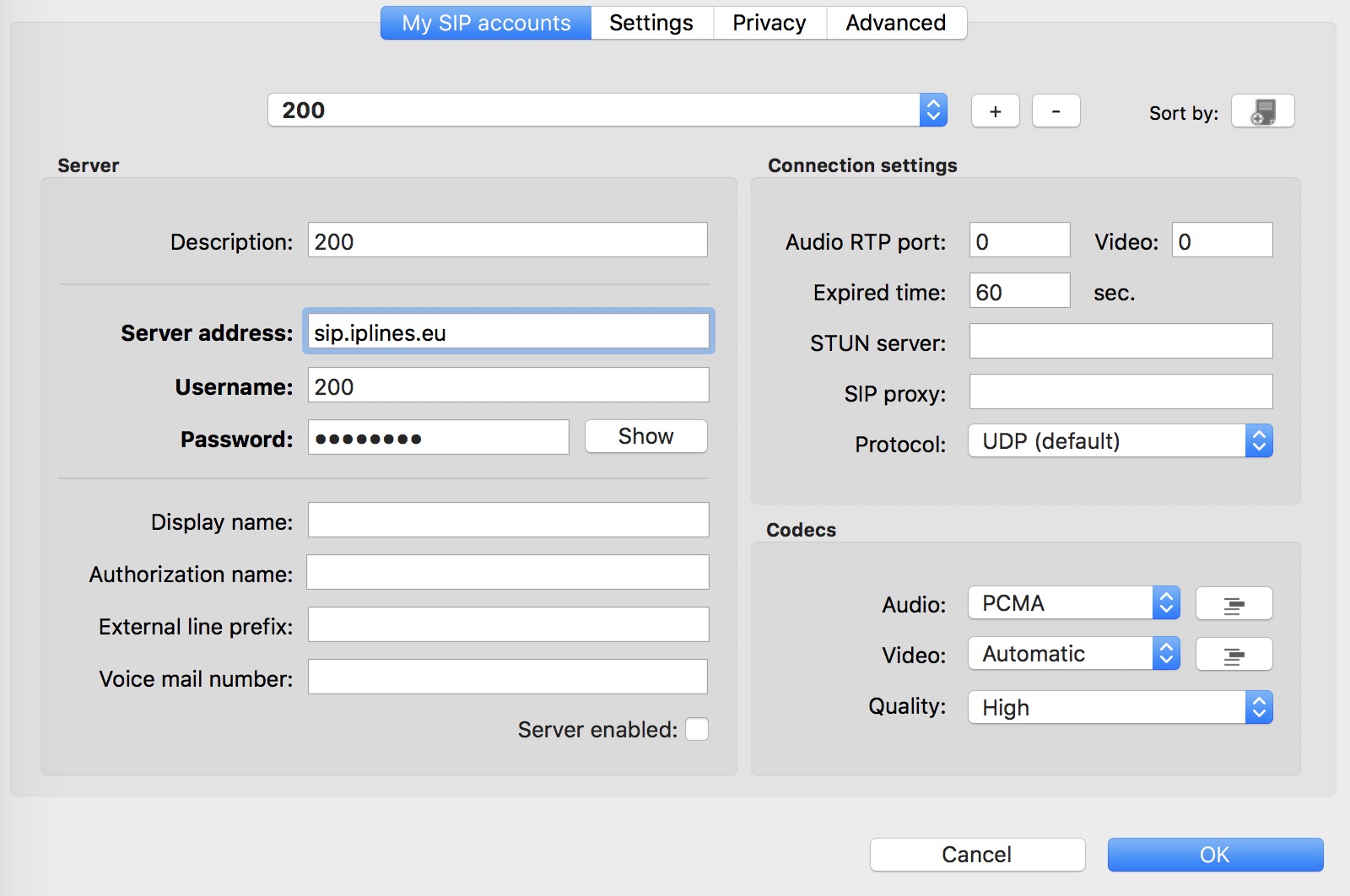
Mac
| Field | Example |
|---|---|
| Description | 200 |
| Username | 200 |
| Password | ********* |
| Server address | sip.iplines.eu |
| Display name | 200 |
The iSoftphone is then ready for use.
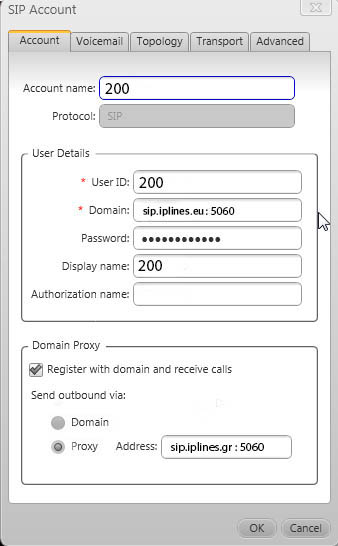
Windows and Mac
| Field | Example |
|---|---|
| Account name | 200 |
| User ID | 200 |
| Domain | sip.iplines.eu:5060 |
| Password | ********* |
| Display name | 200 |
The phone is then ready for use.